Apps / sameface: AI Product Photos
 sameface: AI Product Photos
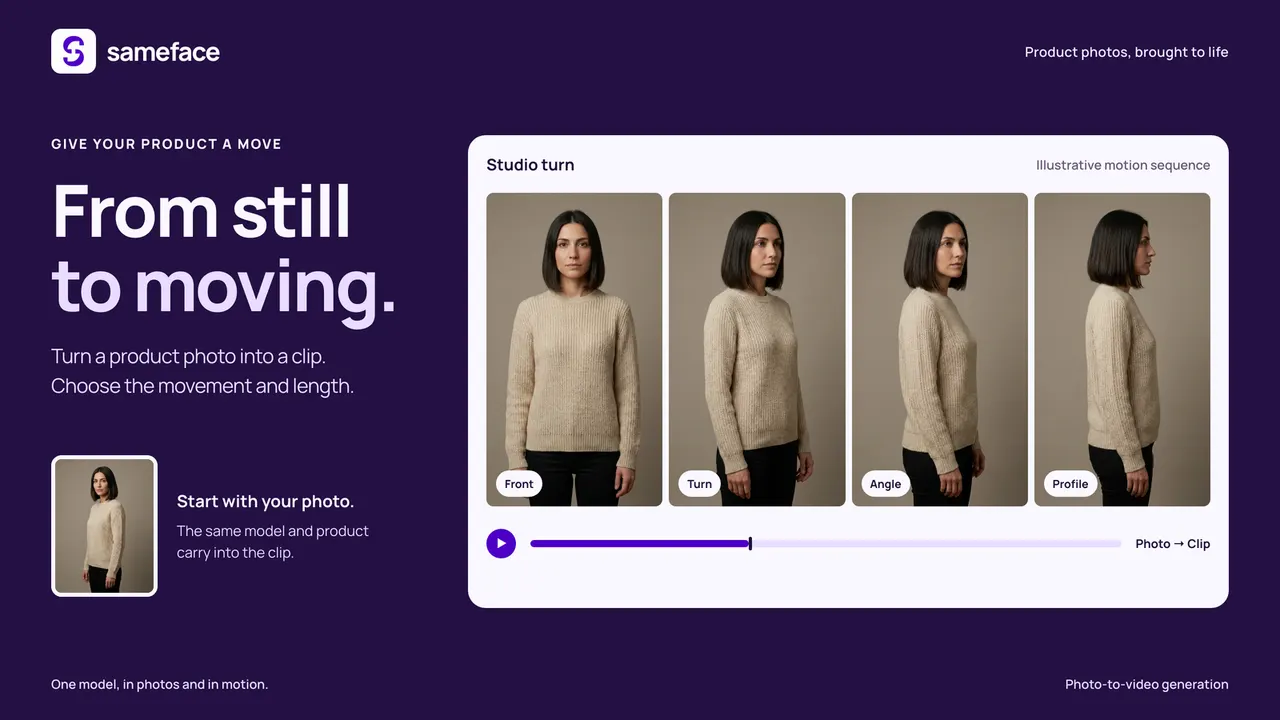
New product photos, clips and 360 views, made from the photos you have.
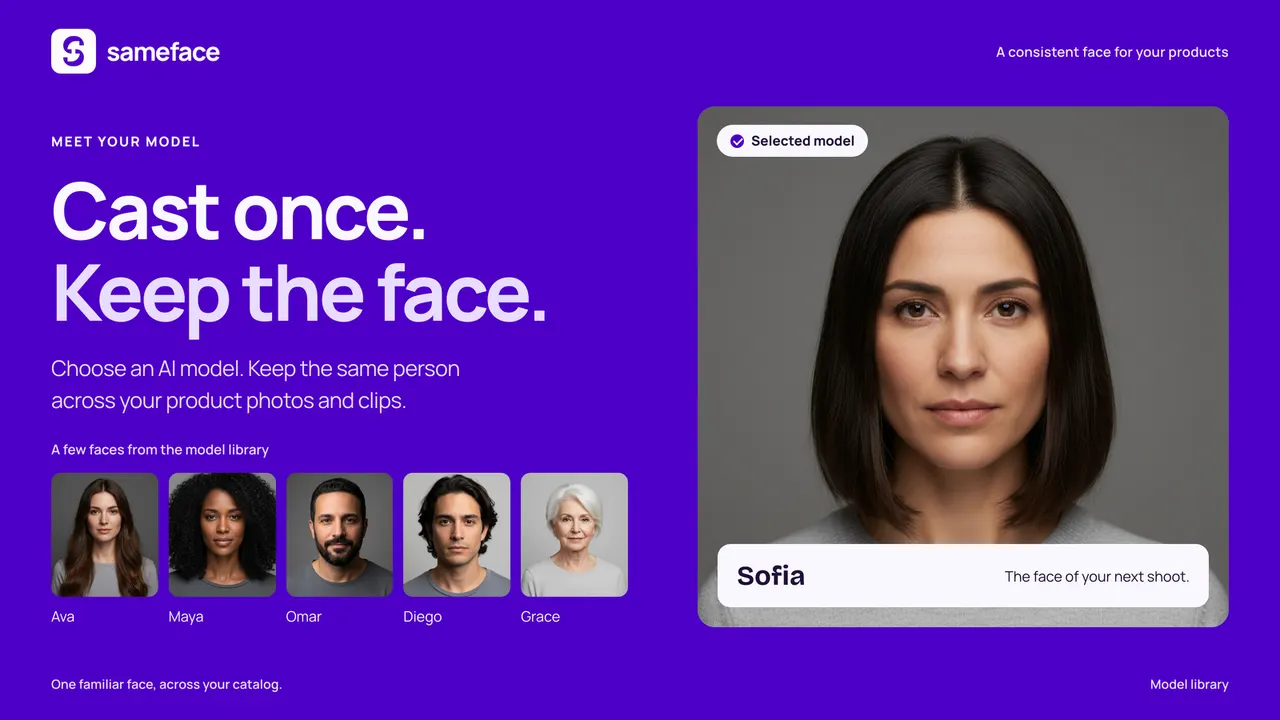
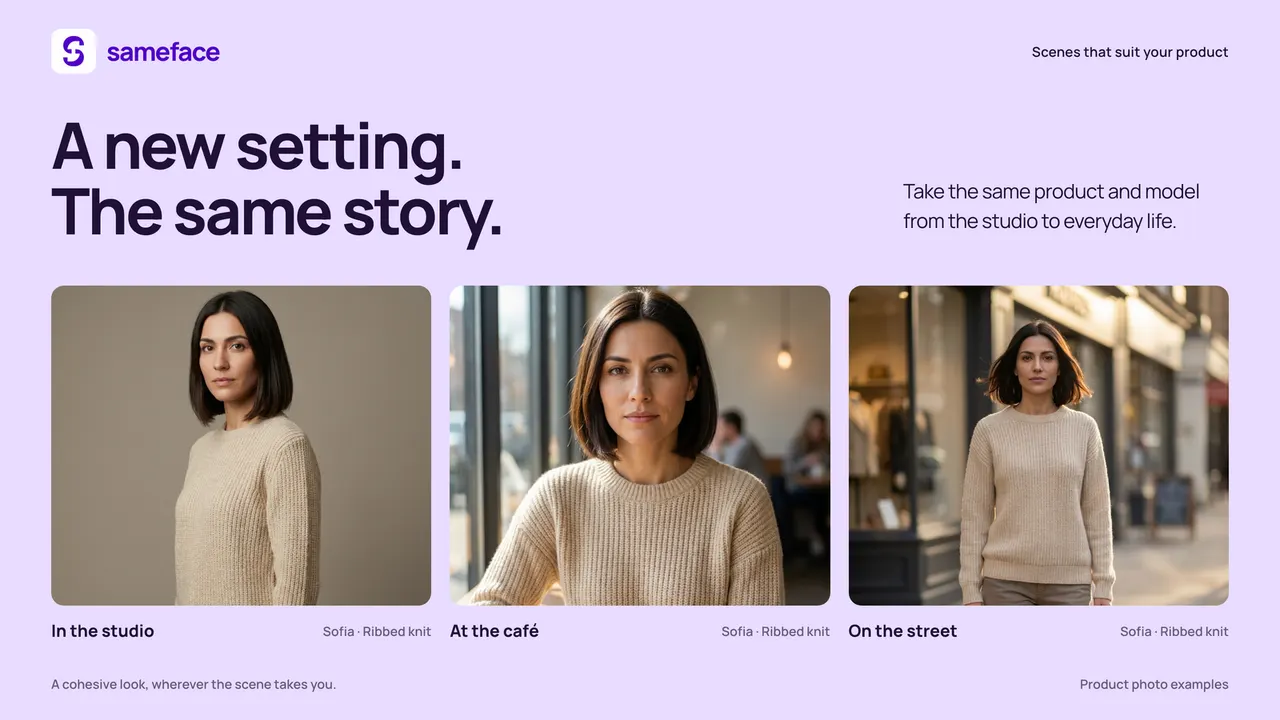
Pick a product you already sell. Choose a setting and a format, and the app writes the prompt for you. You can shoot the product on its own, or with a reusable AI model you adopt or create, so a range of products keeps the same face across the catalogue.
Every result lands in your own Shopify Files. You compare it against your original photograph, zoomed, and publish only the ones you want. Nothing publishes itself, and the photographs you already took stay where they are.
Samples, merchant guides and prices are on thesameface website.
Adopt a model once, and the same person carries your product photos and clips across the catalogue.
The problem
A catalogue needs more images than a shoot produces: another angle, another setting, a short clip for the product page. Booking a photographer for every new product is slow and expensive, so most products keep the two photos they arrived with.
How it works
- What it starts from
- A product photo you already have, in your admin.
- What it makes
- New photographs and short clips, alone or with an AI model, and 360 views Shopify shows in AR.
- Where results land
- Your own Shopify Files. Nothing publishes itself.
- What it costs
- No monthly fee. $0.08 a photo, $0.70 for a five-second clip, $1.50 for a 360 view.



Install it and try it on your own catalogue
Pricing, screenshots and reviews live on the Shopify App Store listing, where the install button is.